
.jpg)
.jpg)
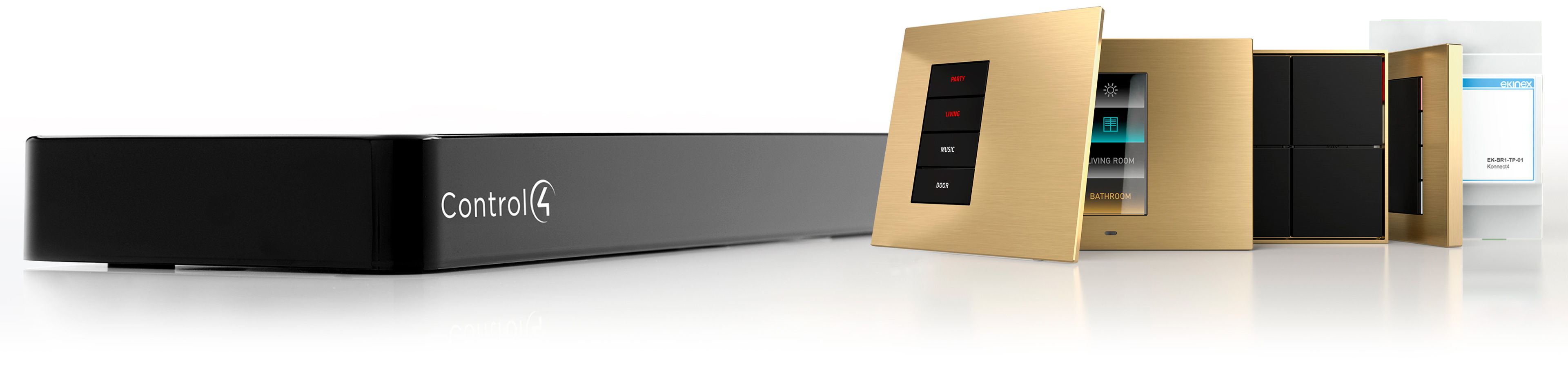
Enhance Your Control4 System
with Ekinex Made in Italy Devices
Ekinex Konnect4
Native integration in Control4 of Ekinex devices and configuration in Composer Pro
The Ekinex device range is now compatible with the Control4 ecosystem. In Composer Pro it is possible to configure Ekinex products and integrate them into a Control4 automation system, even making them interact with third-party devices.
A single driver for all our wall-mount devices
All Ekinex wall-mount devices with thermostats are programmable with our Composer Pro driver, which automatically recognises the model and allows the operating parameters to be set.
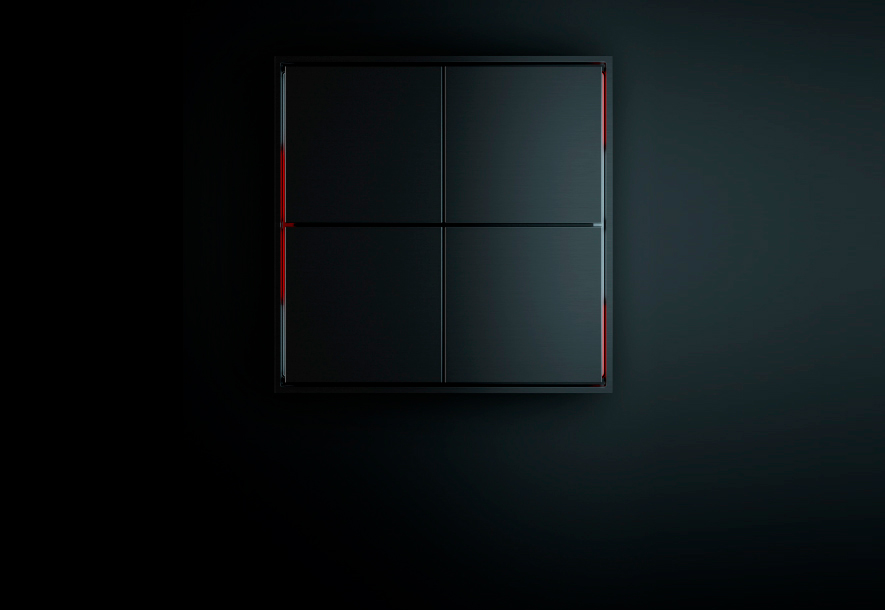
FF Series
Essential geometry in forms and a decisive trait. More than ever: Less is more.
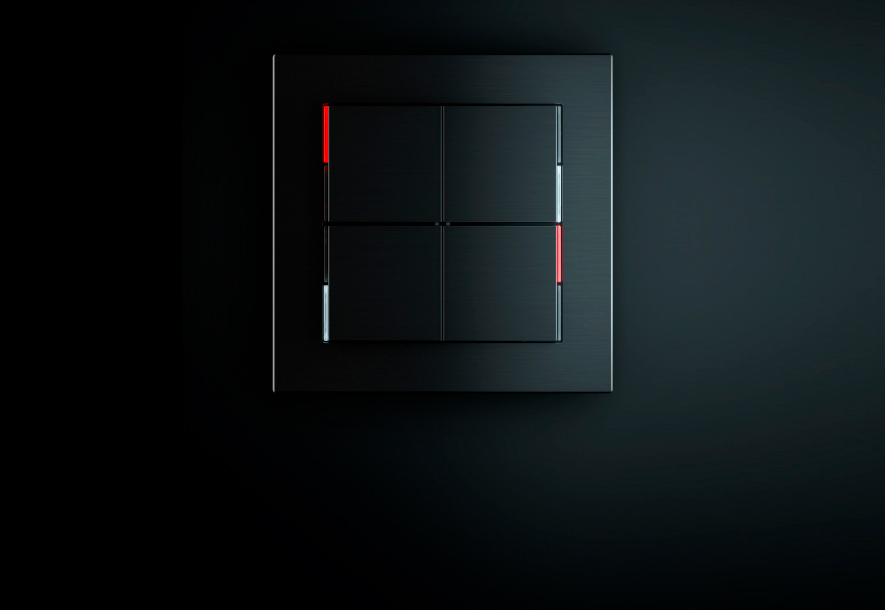
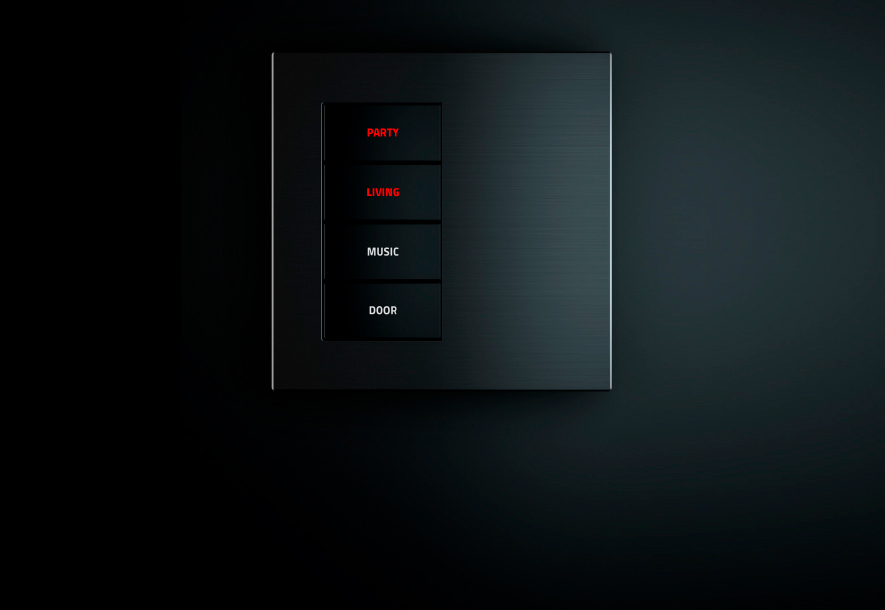
20venti Series
The aesthetic style of a product with clean and essential lines, with exact and harmonious volumes.
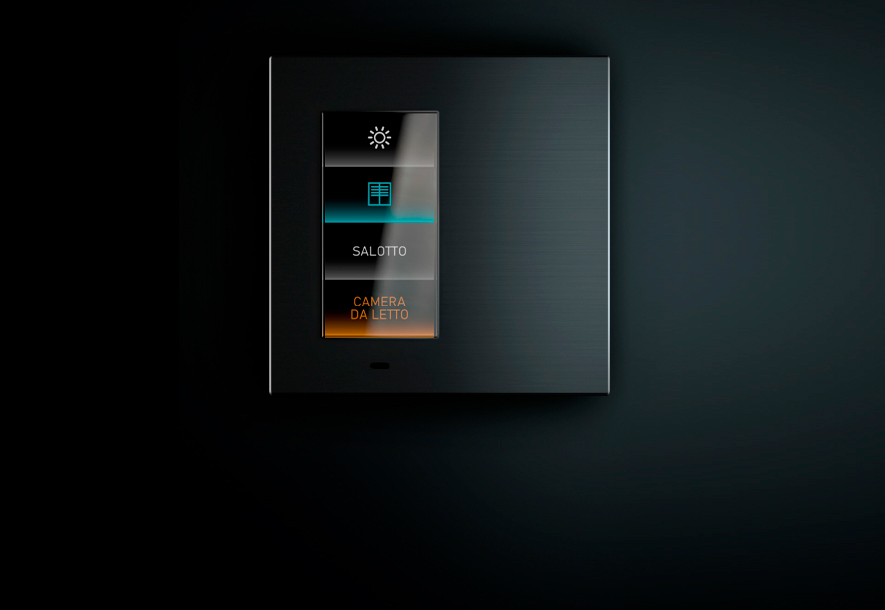
Signum
A different way of interpreting the concept of wall mount device, beyond convention, beyond the already seen.
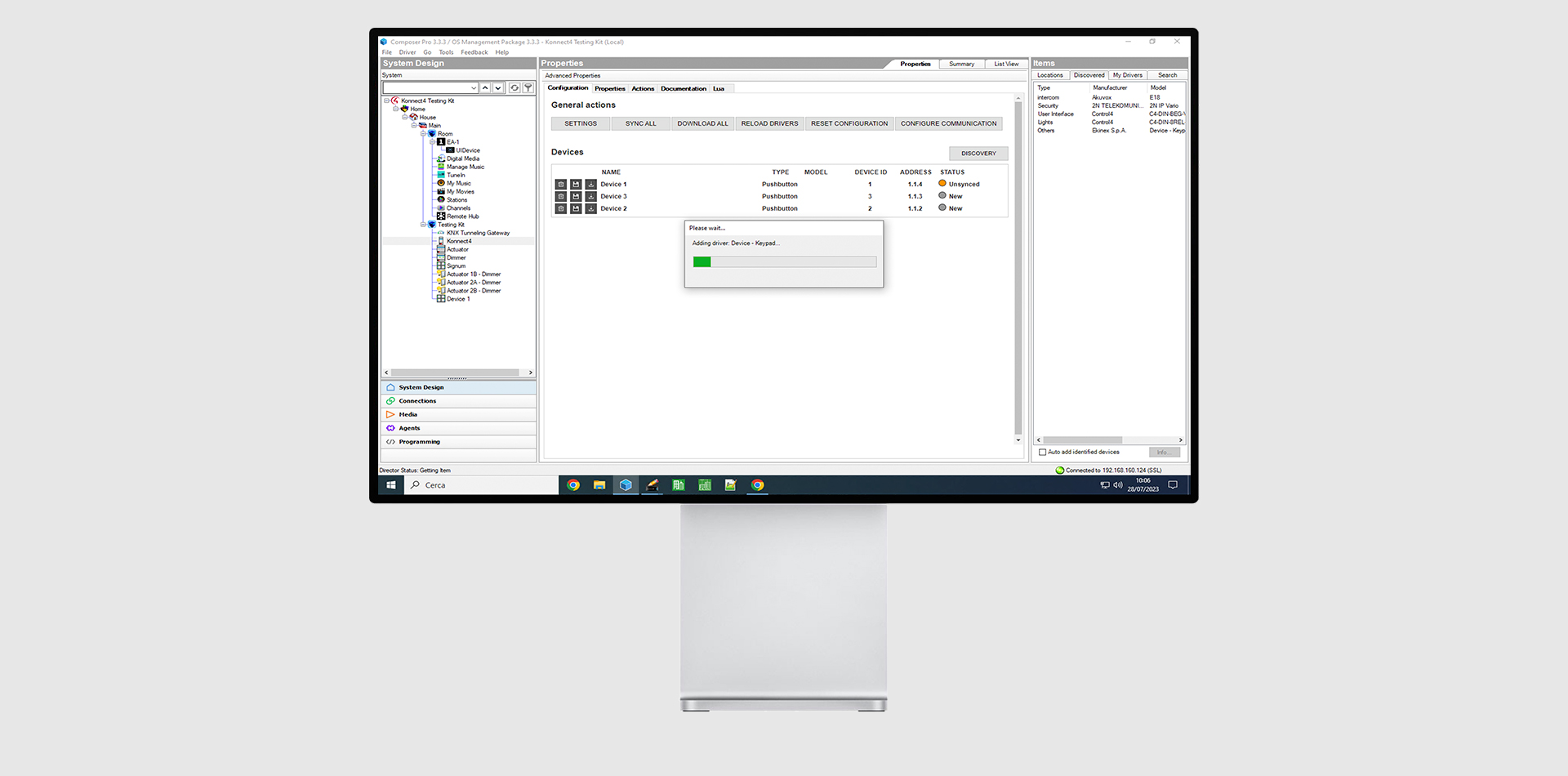
All the programming done in Composer Pro
No Need for ETS: all programming can be done directly within Composer Pro!
Thanks to SDDP discovery, the Konnect 4 gateway and all the devices connected to the BUS are automatically detected and added to the project. The drivers provided allow you to download the configuration directly from Composer Pro, and offer all the connections necessary to create the functions you want. The drivers can be downloaded directly from the online catalogue within Composer Pro.
Advantages
.jpg)
.jpg)
Konnect4 is the bridge between Control4 ecosystem and Ekinex products
Connect Konnect4 to the same LAN network as the Control4 controller, and to the Ekinex device bus. By pressing the programming button, the new devices are automatically recognized, and presented in the SDDP discovery list in Composer Pro. Simply double-click to add the corresponding drivers to the project, and modify their properties to establish their behavior.
Konnect4: The smart connection between Ekinex and Control4
Simplify, accelerate, connect. Konnect4 is a modular device designed to make programming Control4 automation systems more intuitive than ever. Thanks to its IP interface, it allows Ekinex devices to be configured directly within Composer Pro, eliminating the need to use ETS.
Description
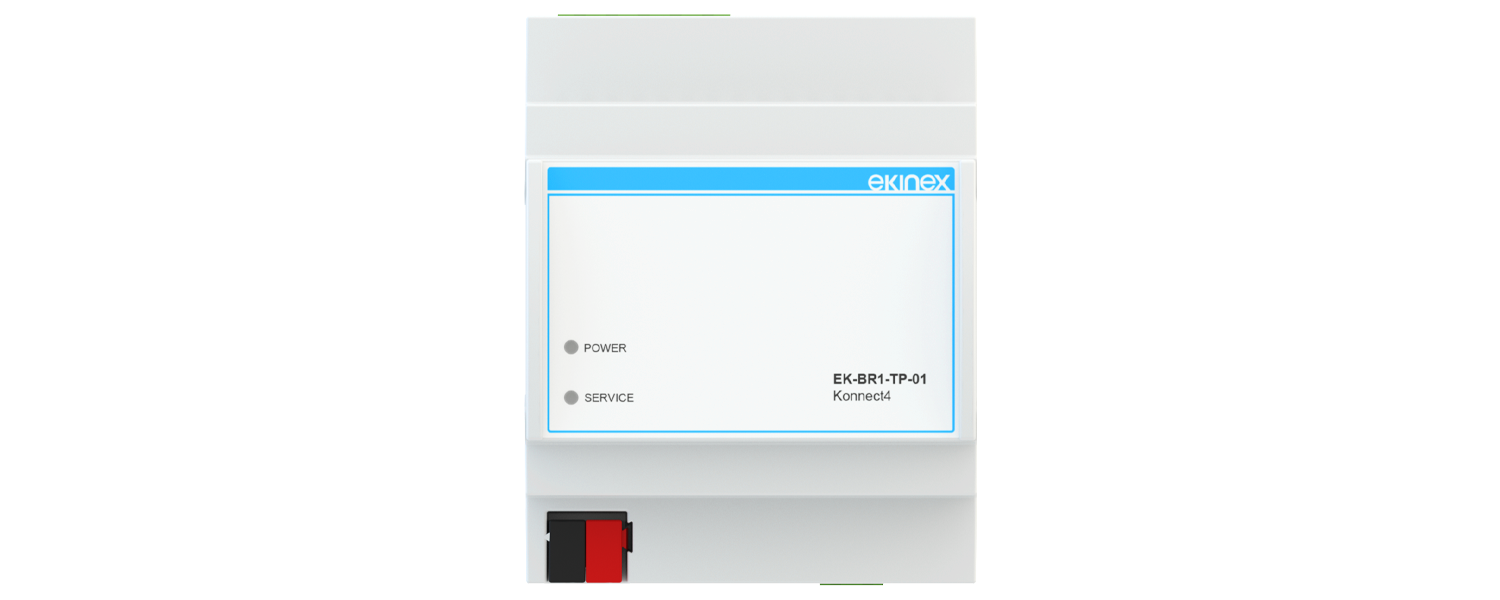
Modular KNX S-mode device with advanced IP-KNX interface function and integrated webserver. It offers a range of connectivity and functional services to a Control4 supervision system in installations with Ekinex KNX devices.
Technical data
- •Power supply 12/24 Vdc
- •Power consumption 3W (240mA at 12V)
- •Ethernet LAN connection port
- •Plastic housing
- •Design for 35 mm mounting rail (according to EN 60715)
- •Degree of protection IP20 (according to EN 60529)
- •Insulation class II (according to EN 60335-1)
- •Weight 70 g
- •2 UM modular device (1 UM = 18 mm)
- •Dimensions 36 x 94 x 71 mm (W x H x D)
Compatible Ekinex devices and minimum firmware version (FW)
| Series | Code | FW |
|---|---|---|
| FF Serisi | EK-ED2-TP | 05.015 veya üzeri |
| 20venti Serisi (4/8 tuş) | EK-E20-TP-4T | 05.018 veya üzeri |
| 20venti Serisi (4/8 tuş) | EK-E20-TP-8T | 05.018 veya üzeri |
| 20venti Serisi | EK-E2E-TP-4L | 01.022 veya üzeri |
| 20venti Serisi | EK-E2E-TP-4R | 01.022 veya üzeri |
| 20venti Serisi | EK-E2E-TP-8 | 01.022 veya üzeri |
| 71 Serisi | EK-E13-TP | 05.015 veya üzeri |
| Signum | EK-EV2-TP | 1.2.3 veya üzeri |
| Signum | EK-EV3-TP | 1.2.3 veya üzeri |
System architecture
The following diagram shows how to connect Ekinex devices to a Control4 automation system through the Konnect4 gateway. As illustrated, Ekinex devices can interact with third-party devices, and be managed from the Control4 visualization.
.svg)